// The Local Dispatch

Guides, Tutorials & Deep-Dives

Everything you need to run state-of-the-art AI on your own hardware — setup guides, workflow tips, model breakdowns, and hardware recommendations.

Watch on YouTube Browse Articles ↓
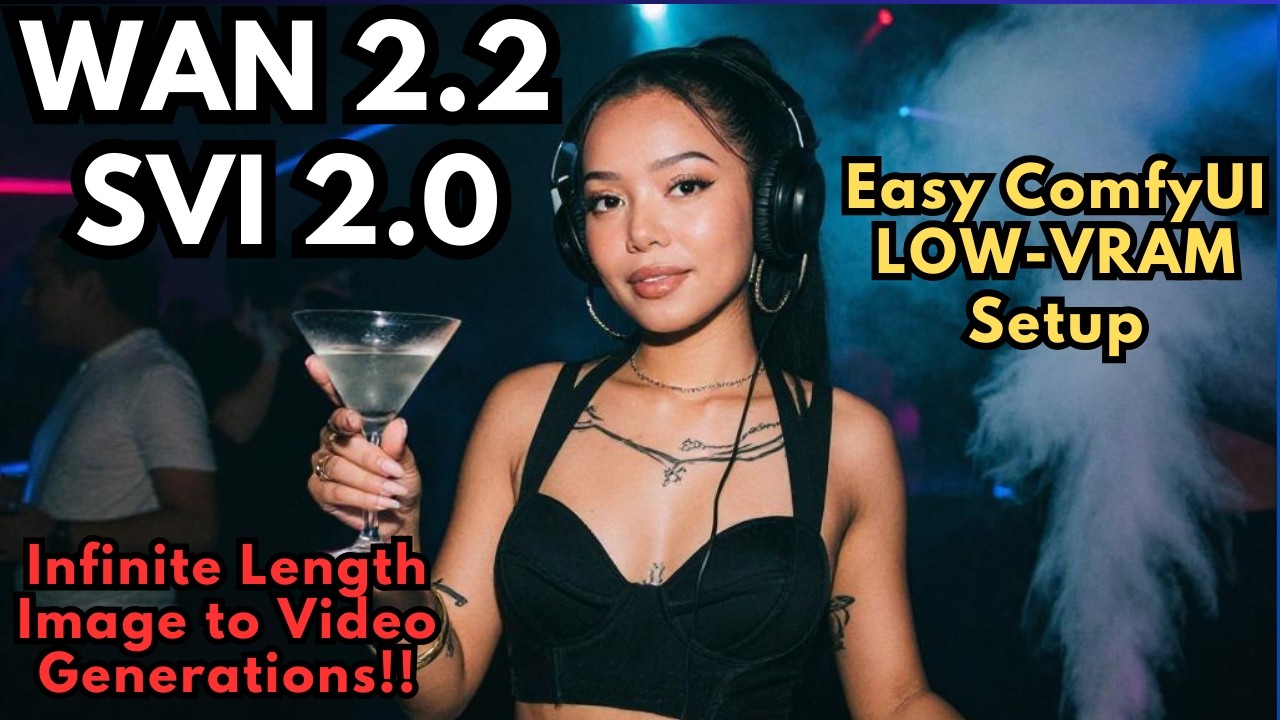
WAN 2.2 SVI 2.0 Pro — Long Length AI Videos in ComfyUI
WAN 2.2 SVI 2.0 Pro — Generate Unlimited Length AI Videos in ComfyUI
Break the 5-second barrier with WAN 2.2 SVI LoRAs — chain unlimited seamless video segments in ComfyUI using GGUF models that run on as little as 6 GB VRAM.
Easy Local AI Face Swapping with Z-Image Turbo
Z-Image Turbo Face Swap in ComfyUI — Local AI Head Swap with Character LoRA
Use SAM 3 segmentation and a character LoRA to swap faces with stunning accuracy — all running privately on your own GPU in ComfyUI.
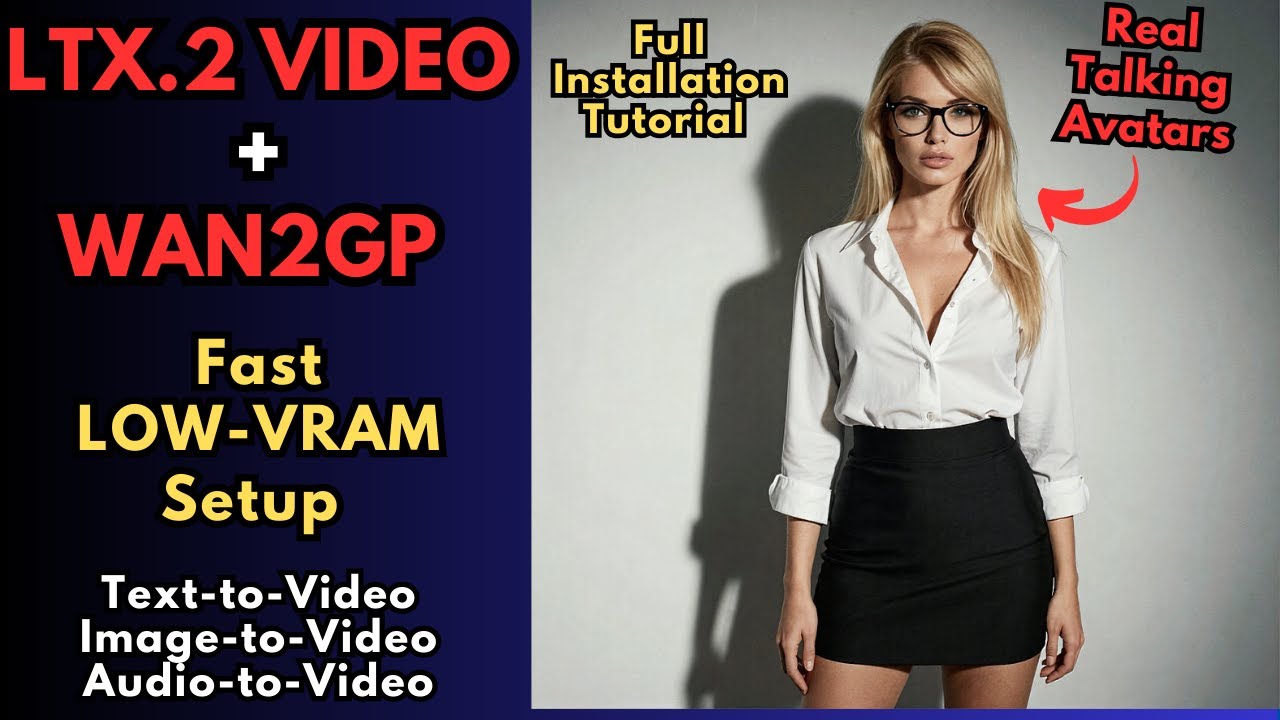
LTX-2 AI Video — FREE Low VRAM Image to Video with Audio
LTX-2 AI Video with Wan2GP — Free Low VRAM Image to Video with Native Audio
LTX-2 generates 4K 50fps video with native synchronized audio — dialogue and ambient sound included. Full Wan2GP setup guide plus text-to-video, image-to-video, and talking avatar workflows.
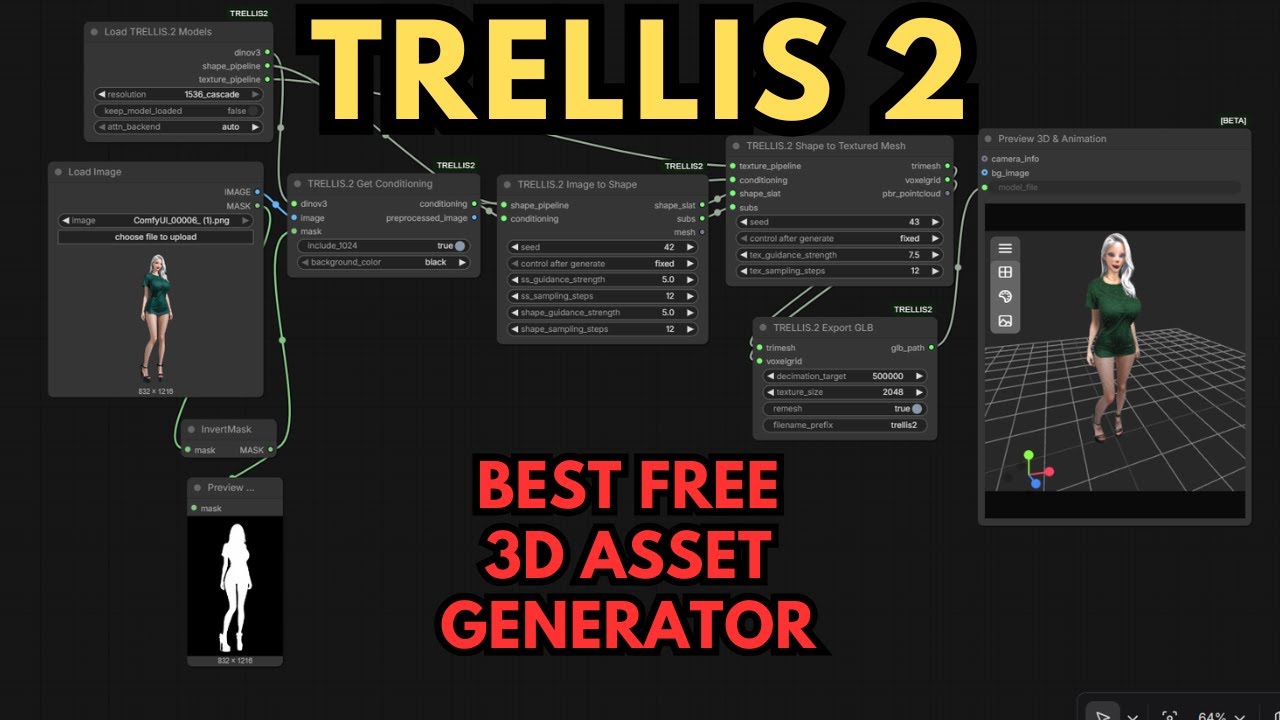
Microsoft Trellis 2 — Best FREE 3D AI Model Generator
Microsoft Trellis 2 ComfyUI Setup Guide — Best FREE 3D AI Model Generator
Microsoft's Trellis 2 converts a single image into a production-ready 3D asset with PBR textures — all locally in ComfyUI. Full setup guide for Windows and RunPod, including OOM error fixes.
Consistent AI Characters with Z Image Turbo LoRAs
Z Image Turbo LoRA Training — Build Consistent AI Characters with AI Toolkit
Train a character LoRA on Alibaba's blazing-fast Z Image Turbo model using AI Toolkit's special training adapter — without breaking the distilled model's speed or quality.
Consistent AI Characters with WAN 2.2 LoRAs
Train WAN 2.2 LoRAs for Consistent AI Characters — Step-by-Step Guide
Train a custom character LoRA for WAN 2.2 using AI Toolkit on RunPod or your own machine. Same face and style across unlimited images and video clips.
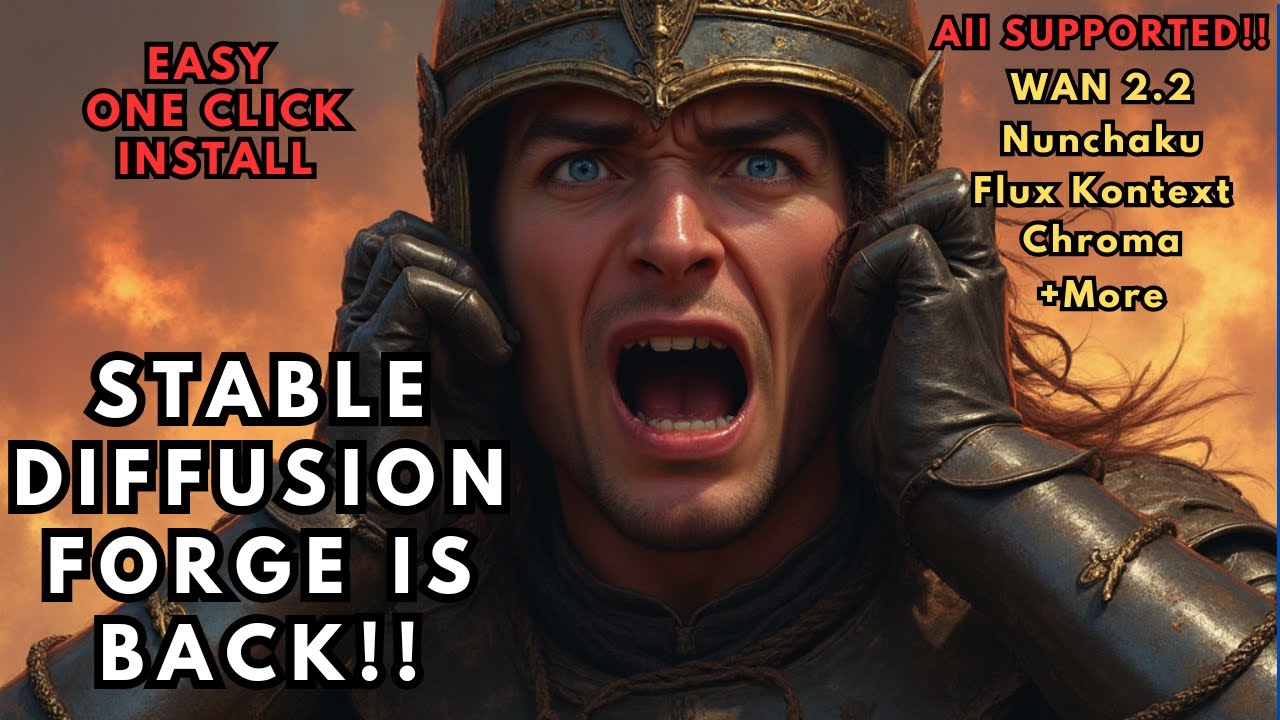
New Major Update to Stable Diffusion Forge UI Neo
New Major Update to Stable Diffusion Forge UI Neo — Flux, WAN 2.2, Nunchaku & More
Forge UI Neo revives the beloved Stable Diffusion Forge project with WAN 2.2 video generation, Flux Nunchaku quantization, Flux Context inpainting, and an integrated video player. Full Windows install guide.
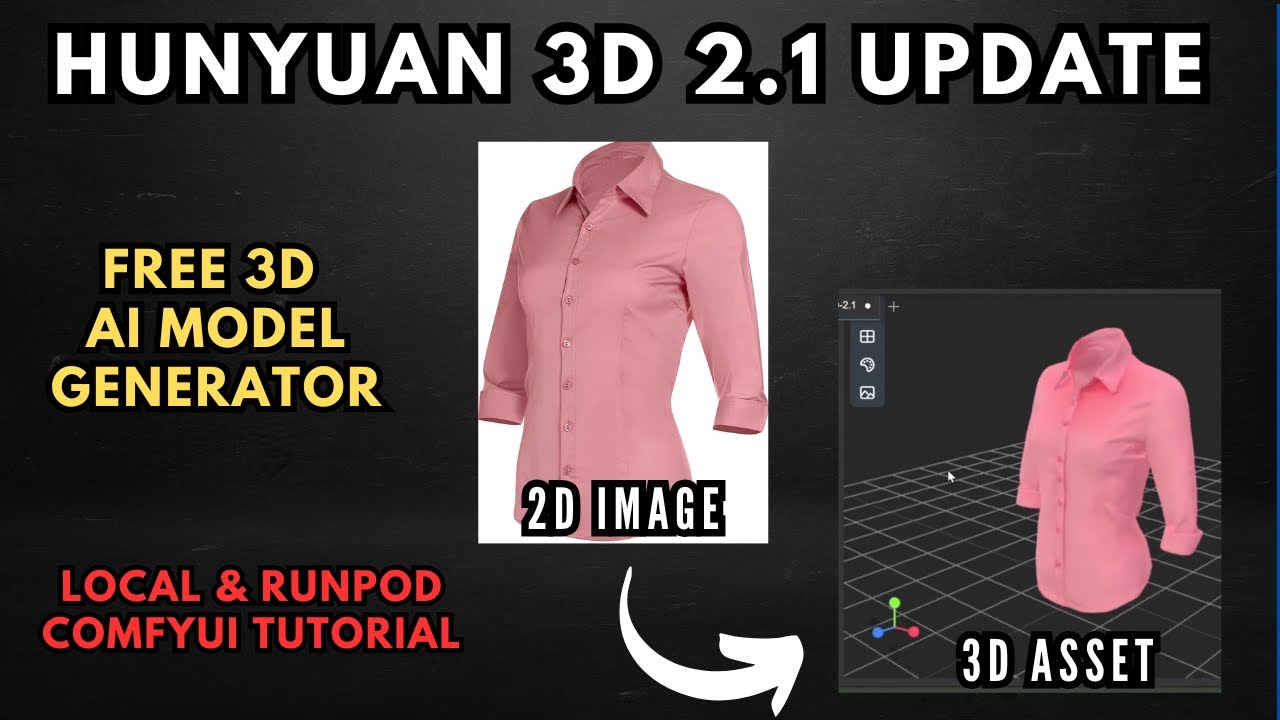
Create Next Gen 3D AI Models with Hunyuan 3D 2.1 in ComfyUI
Create Next-Gen 3D AI Models with Hunyuan 3D 2.1 — Full ComfyUI Tutorial
Hunyuan 3D 2.1 is fully open-source with a two-stage PBR pipeline and 10x more geometric detail. This guide covers local ComfyUI mesh generation (6GB+ VRAM) and full texturing via RunPod.
Train AI Text to Speech Models for FREE in Google Colab
Train AI Text to Speech Models for FREE in Google Colab — Full Tutorial
Fine-tune a custom TTS voice using Unsloth's free Colab notebooks — train Spark TTS, Orpheus, or OutTTS on Google's free T4 GPU and run the result locally on just 4GB VRAM.
Human-Like AI Text to Speech with Orpheus TTS and LM Studio
Human-Like AI Text to Speech with Orpheus TTS & LM Studio
Orpheus TTS generates remarkably natural, expressive speech locally — with emotion tags, 8 voices, zero-shot voice cloning, and under 4GB VRAM. Full setup walkthrough with LM Studio and the FastAPI Web UI.
100% Local Perplexity AI Clone Powered By LM Studio
Build a 100% Local Perplexity AI Clone Using LM Studio & Perplexica
Run a private, fully local Perplexity AI alternative using Perplexica, LM Studio, and Docker. Get cited AI-powered web search answers without sending data to any external server.
AI Voice Cloning in ComfyUI with F5 TTS
F5 TTS ComfyUI Voice Cloning — Free ElevenLabs Alternative (Local Setup)
Clone any voice with just 10 seconds of audio using F5 TTS in ComfyUI. Runs locally on 6 GB VRAM — a completely free alternative to ElevenLabs voice cloning.
Install Oobabooga Text Generation WebUI With Llama 3.2 on Colab
Install Oobabooga Text Generation WebUI With Llama 3.2 Free on Colab — 2024 Tutorial
Run Oobabooga's powerful text generation interface with Llama 3.2 completely free using Google Colab's T4 GPU — no local hardware needed. Full setup walkthrough included.
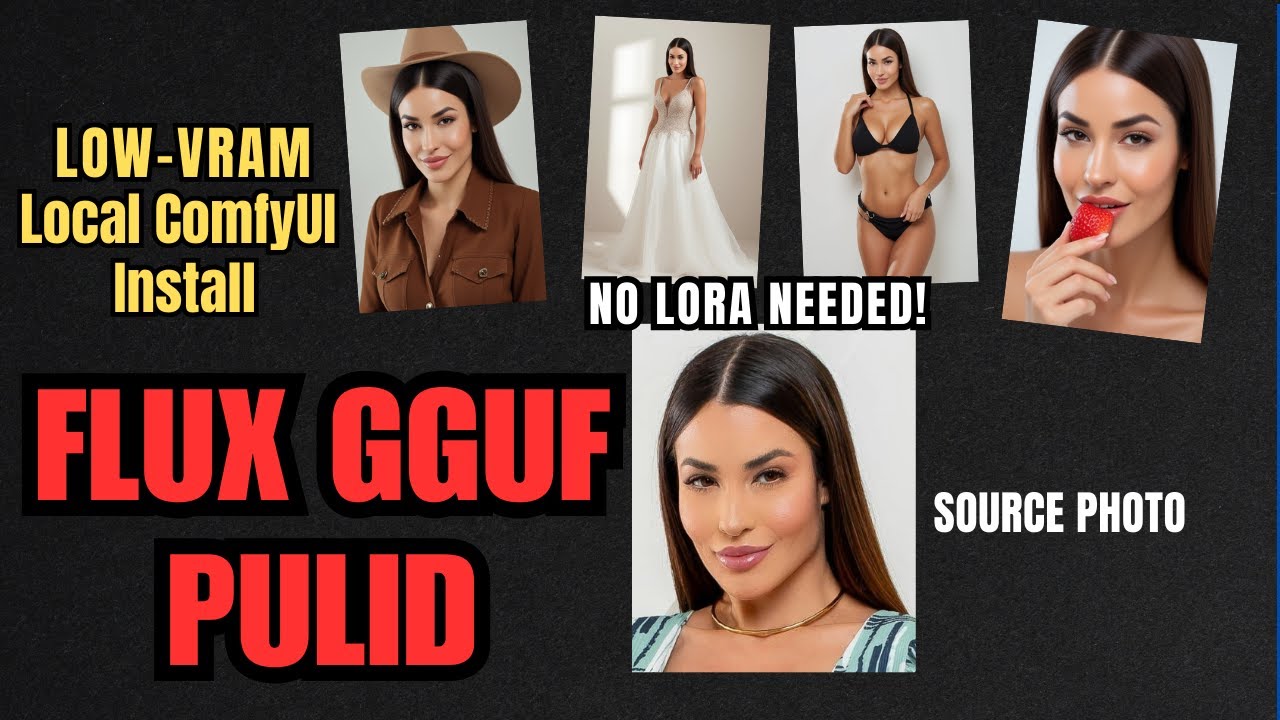
Consistent AI Characters with PuLID and Flux GGUF
Consistent AI Characters with PuLID and FLUX GGUF in ComfyUI: No LoRA Needed!
Generate the same character across unlimited scenes without training a LoRA. PuLID + Flux GGUF delivers rock-solid identity consistency from a single reference image — on as little as 4GB VRAM.
Open WebUI Artifacts with Claude Anthropic Pipelines
Open WebUI's Artifacts Feature With Claude Anthropic's Pipelines Integration: A Step-by-Step Guide
Render live HTML, interactive code, and SVG graphics directly inside your Open WebUI chat using Claude — complete setup walkthrough for the Anthropic Pipelines integration.
Blazing-Fast AI Image Generation with Flux GGUF in ComfyUI
GGUF quantization slashes Flux model load times from 5–10 minutes down to under 90 seconds — with virtually no quality loss. Full setup walkthrough including CLIP encoders, VAE, and using LoRAs.
SuperCharge Llama 3.1 with Open Web UI
SuperCharge Llama 3.1 with Open Web UI: Your AI Just Got Smarter!
Llama 3.1 brings 128k context, multilingual support, and GPT-4-level benchmarks to open source. Pair it with Open Web UI and you get a polished, feature-rich interface — all running locally on your own hardware.
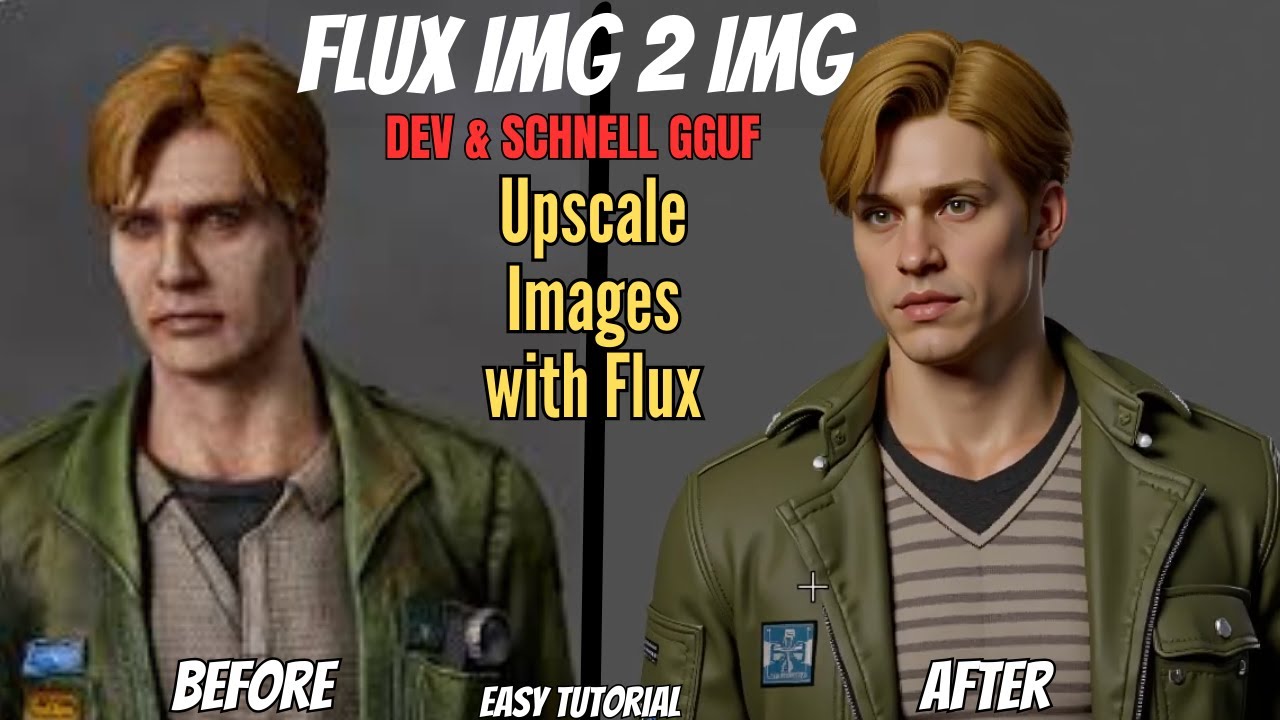
Image-to-Image with Flux in ComfyUI
Level Up Your AI Image Generation: The Ultimate Guide to Image-to-Image with Flux
Transform existing photos into AI art, maintain visual consistency across a series, and blend styles with fine-grained control — complete img2img guide using Flux in ComfyUI.
Improve AI Image Generation with Open-WebUI and ComfyUI
How to Improve Your AI Image Generation Workflow with Open-WebUI and ComfyUI
Connect Open-WebUI and ComfyUI to generate images directly inside your AI chat sessions using Flux — completely local, completely private. Step-by-step setup included.
LoRA Training with Flux Gym in Google Colab
Step-by-Step Guide to LoRA Training with Flux Gym in Google Colab
Train a custom Flux LoRA for free using Google Colab and the FluxGym Gradio UI — no local GPU, no paid cloud account needed. Covers image prep, Florence 2 captioning, training config, and download.
Cursor AI Editor — AI Code Assistant Built on VS Code
Cursor AI Editor — The AI Code Assistant Built on VS Code
Cursor is a VS Code fork with AI baked in at every level — chat with your entire codebase, generate and refactor code inline, and apply multi-file edits from a single instruction.
Train Custom LoRAs on Flux with FluxGym on RunPod
Train Custom LoRAs on Flux Models with FluxGym on RunPod
Step-by-step guide to training custom LoRAs on Flux Schnell and Dev using the FluxGym cloud template on RunPod — including image prep, captioning with Florence 2, and testing in ComfyUI. Under $0.50 a run.
Analyze Images Privately Using Local AI Vision Models
Analyze Images Privately Using 100% Local AI Vision Language Models
Run a top-performing open-source vision model locally with LM Studio — have a full conversation about any image without sending a single pixel to the cloud. Complete setup walkthrough included.

Never miss a release or guide

Bi-weekly AI news, new product drops, and tutorials — straight to your inbox. No spam, unsubscribe anytime.

No spam. Unsubscribe anytime.